FREE
Casient Readback
Upload a .knxproj (ETS5 or ETS6) and Readback explains the building in plain sentences: every setting, every automation, and every problem worth a look.
Run a free Readback →Casient automates your KNX beyond the bus: it links KNX to solar, aircon, AV and security. And you see all your sites in one place, under your name, to manage and troubleshoot them.
Works on new and old KNX jobs, from one home to a commercial fit-out to a block of units. Your ETS logic stays on the bus.
The call is about an old job. Before you can look at the fault, you find the right ETS project, work out what you set up, and dig through bus traffic. That is unpaid work before the real work starts. Casient puts the evidence first.
Example, not a measurement. Two lanes. Today is the longer journey: 5 steps before you start fixing (find the right ETS version, work out again what you set up, drive out or wait for the fault again, search the bus traffic, and only then start fixing it), and then the fault happens again and you drive out again. With Casient it is 3 steps and you are ready to fix: open the job, where Readback explains it room by room; ask Casient, the chat inside Keystone, why the ensuite light stayed on at 2 a.m.; read the log lines it found, which give the rule that ran, what it overrode and the sensor that started it. Readback works on any job; asking Casient and reading the log need Keystone on site.
Readback works on any job; asking Casient and reading the log need Keystone on site.
A real KNX installation in Lindfield, NSW.
234 unused connection points: typical build leftovers, nothing wrong.
Ducted and split air conditioning across 10 zones, solar and battery, a gas fireplace, 6 security cameras, 3 smart door locks, multi-room audio and the home theatre, kitchen and laundry appliances, garden irrigation, curtains, and around two dozen presence, climate and window sensors.
The sensors in the study, both bathrooms and the laundry were set to wait only 10 seconds after the last movement. The maker advises 30. It is a factory setting, and easy to miss in ETS. Readback (the free tool above) flags it in seconds. This is a comfort setting, not a safety fault. It is easy to fix once you see it.
Start with Readback. Add Keystone when a client wants KNX working with everything else in the building. Fleet is how you keep earning from every building you have delivered.
Upload a .knxproj (ETS5 or ETS6) and Readback explains the building in plain sentences: every setting, every automation, and every problem worth a look.
Run a free Readback →A box in your rack. It connects the KNX bus to solar, aircon, AV and sprinklers. Your ETS programming and safety stay on the bus.
Casient Keystone as a bridge. On the left, devices on the KNX bus: lighting, blinds, presence sensors, switches and thermostats, joined to the Keystone by one bus. On the right, solar, weather, audio and video, heating and cooling, and the garden, each connected directly to the Keystone. The Keystone joins them all.
Monitor, back up, update and support every Casient site from one place, under your name. Fleet raises an alert on your console when a site stops reporting. Support access is only with the owner’s permission. Our policy is one session at a time, with an end time.
Example of the Fleet console. Four sites in a list. Three show a dot and the word ok. One, an office fit-out, shows a dot and the word offline. Below the list an alert reads: Site went quiet. Alert raised on your console.
Every room type starts with built-in baseline behaviours, and the integrator can adjust them. Keystone can learn from how the building is used. Changes are logged and need your approval.
When requests conflict, a written priority order picks the behaviour, and the log says why. Any integrator can build priorities like this by hand in one house. Casient keeps one default order, the same in every building.
A floor plan with five rooms: living, kitchen, hallway and two child's bedrooms. At 23:00 someone says: turn every light on full. The request, a scene, wants every light full. The room behaviour for a child's bedroom says it stays dim after dark. When they conflict, Casient uses a written priority order: 1 emergency, where the lights come on and Casient does not hold a room dim, 2 a request for that specific room, such as turn on Bedroom 1 lights, 3 the room's behaviour, here the child's bedroom staying dim after dark, 4 generic commands and scenes. The room behaviour ranks above a generic command or scene, so the living room, kitchen and hallway go full and the two child's bedrooms stay at their limit. The log reads: 23:00:04 Priority 3 (room behaviour: child's bedroom stays dim after dark) won over Priority 4 (scene request). Child's bedroom 1 and 2 stay at their limit. Ask for the room by name and it lights. A general command or scene does not wake the child. If an emergency turns the lights on, the child's room lights come on too. Requests made through Casient are checked before anything is sent, so Casient never sends a full-brightness command to a child's bedroom while that behaviour is active. Scenes pressed on a wall switch run on the bus, and limits for those are set in the actuators. Emergency lighting is a separate certified system that Casient never controls. Baseline behaviours are built in. The integrator can adjust them. Illustrative.
23:00:04 Priority 3 (room behaviour: child’s bedroom stays dim after dark) won over Priority 4 (scene request). Child’s bedrooms 1 and 2 stay at their limit.
While Keystone is running, requests made through Casient are checked before anything is sent, so Casient never sends a full-brightness generic command to a child’s bedroom while that behaviour is active. Ask for the room by name and it lights. Scenes pressed on a wall switch run on the bus, and their limits are set in the actuators.
Ask for the room by name and it lights. A general command or scene does not wake the child.
Baseline behaviours are built in. The integrator can adjust them.
If an emergency turns the lights on, the child’s room lights come on too.
“Keep the guest bathroom floor warm only when someone is staying in bedroom 3.”
Casient drafts it. Fixed code checks it against the room behaviours and limits, and shows what will change.
No new rule goes live until your installer approves it. You can undo it.
AI is good at understanding what someone wants, and not good at doing the same thing every time. Wired straight to a building, a wrong guess or a trick instruction hidden in an email can become a real action. Casient does not work this way: the AI cannot send anything to a device.
The AI can draft, suggest and turn speech into a request. It cannot send anything to a device. Fixed code checks every request against the room behaviours first.
Everything it asks for goes through the same checked request path as an app or voice command, and new rules wait for approval. It answers questions with the log lines it used (advice, not action).
No suggestion can override an approved room behaviour. Every decision is logged. Nothing Keystone does happens outside a written rule.
If the AI is wrong, offline or switched off, the building keeps its limits, enforced by the rules engine, not the AI.
RequestAI decidesDevice acts
Request (may be spoken)AI turns it into a requestRoom behaviours and priorities decideThe bus acts
When a site stops reporting, Fleet raises an alert on your console. It knows the site went quiet, not why. The building keeps working.
A schematic of the internet, Keystone and the building. When the internet link drops, the internet node greys and its status turns to down. Ask Casient and remote access are paused. Keystone, the rules, the schedules and the log keep running, and the four windows of the house stay lit. A second panel covers the case where Keystone itself is off: the bus keeps working, so switches, scenes and safety still work, while links to non-KNX systems, Ask Casient and the log pause. In both cases the site stops reporting, so a Fleet console panel shows an alert: Site went quiet. Alert raised on your console. Two neutral labels follow, You check and You fix, and the log keeps running. Fleet knows the site went quiet, not the cause.
Keystone keeps running rules, schedules and the log. Ask Casient and remote access wait.
Switches, scenes and safety keep working on the bus. Anything done only in Keystone pauses. A bedroom limit that must hold with Keystone off is set on the bus.
Keystone adjusts comfort only within limits set on the bus. Your commissioned logic stays on the bus.
Emergency lighting (AS 2293), fire detection (AS 1670), egress and access control stay with their own certified systems. Casient never controls them. Running a larger building with a BMS? Talk to us first. Specifying a system? For architects and designers.
The install is paid once. The calls after handover are not. Fleet is a service line you can bill, with your client still yours.
Room behaviours carry across buildings, so you do not re-program every house from scratch.
Readback and the log put the evidence first. Some callbacks can be answered from the log before you drive out.
Generated from the project. After that, the owner can ask Casient what the building is set up to do.
Monitoring, backup, updates and support, sold under your name. Fleet raises an alert on your console when a site stops reporting.
Your client stays yours: no consumer pricing, no homeowner shop, no marketing around you.
Share this with your customers: what they get when you install Casient →
This is what your client is offered through you.
We’re looking for a small number of KNX integrators to run Casient on real pilot sites. Pilot partners test it first, help shape what we build next, and get direct engineering support while they do.
Casient is built by Ted Aravinthan. He has spent twenty-five years in technology: managed services at Cisco and Dell EMC, work with startups and scaleups, and advice to government ministers on smart cities.
He started Casient in his own KNX home, because the other platforms he tried were not built for AI. He backs KNX because it is open, and saw an industry that needed a modern layer on top. Casient runs in one real KNX home today. We are running pilots now and welcome pilot partners.
Your questions go straight to Ted, not a sales team.
Book 20 minutes with TedSee Ted on LinkedIn →Into your own workspace. The software reads it. Our policy is not to open it unless you ask for help and give access. You can delete it from your workspace, or ask us to. We never sell your data. A few outside companies help us run Casient (hosting, email, an AI model). They handle it for us, not for themselves. Fleet receives health and status, including counts such as how many devices a box sees, and encrypted backups if a client takes them.
Each building runs locally, with no dependency on our cloud. Restoring from a backup needs the backup service, so keep your own copy of the configuration. The configuration belongs to the building and goes with it if the building changes hands or platforms.
Today, Ask Casient uses a cloud AI model for harder questions. Only the question text and the log lines it needs leave the building, never your project file. An on-site AI option is being tested.
It works with it. It is not built on it. For non-KNX equipment it uses a tested, fixed version of Home Assistant Core that you never set up. The rules and the log are Casient’s own.
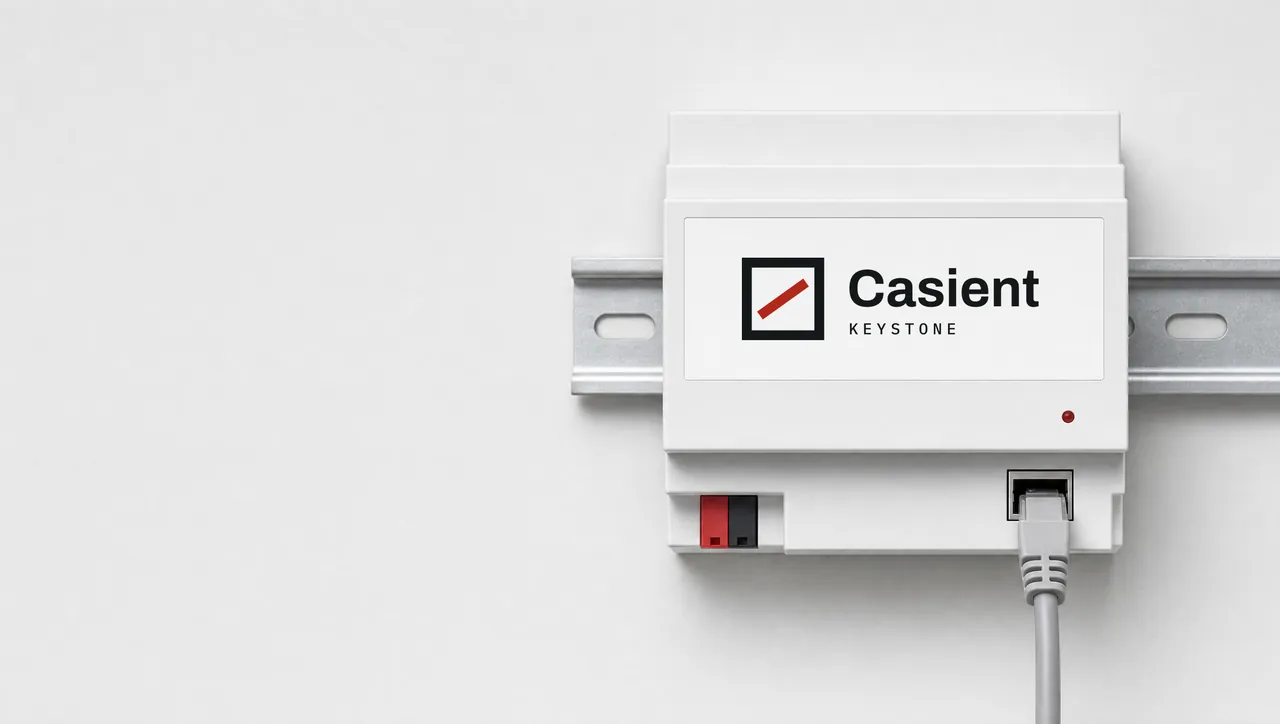
Pilot sites run Keystone on a small computer, such as an Intel NUC or a Raspberry Pi 5. The dedicated Keystone box shown at the top is still under design. It shows what we intend to build, and it is not available yet.
Pick a job you know well and see if Readback tells you something new about it. It takes about a minute, and there is nothing to install.
Your project stays in your workspace. We never sell your data. A few outside companies help us run Casient (hosting, email, an AI model). They handle it for us, not for themselves.